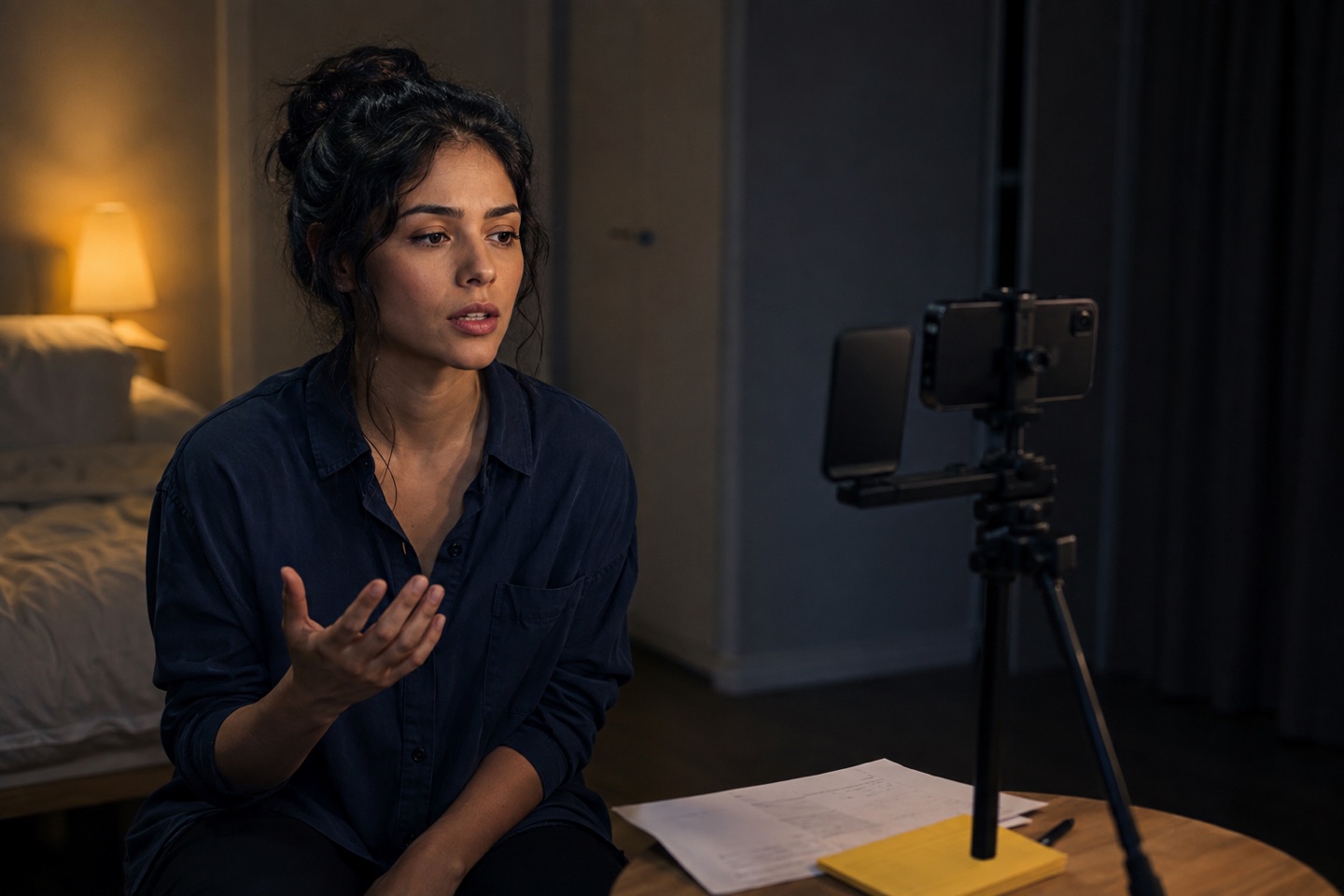
What screen preparation needs
Screen acting often gives you little time and a lot of visible detail. Knowing the words matters, but the camera also catches the moment before the line, the change caused by the other person and whether your adjustment is genuinely new.
A useful solo rehearsal should therefore keep another voice in the scene without making you stare at the device or memorise one fixed rhythm.
- Work from the other character's cue, not from the shape of your paragraph.
- Keep the device near the eventual reader eyeline, not directly beside the lens.
- Repeat with one adjustment at a time so you can tell what changed.
A four-run screen workflow
The first run is for facts and timing. The second is for cue recall. The third changes the action you are playing. The fourth is uninterrupted and treated like a take.
- Run one: keep the text visible and listen for the scene's turns.
- Run two: look away from your lines and answer each spoken cue.
- Run three: change one playable action, such as reassure, challenge or conceal.
- Run four: set the device, start from the top and do not stop to correct.
Example: a two-page callback scene
Import the two-page PDF and confirm the detected roles. Choose your character, then run the scene once to find the beat where the relationship changes. On the next pass, begin later in the scene so the transition does not depend on momentum from page one.
Finish with two complete runs. Keep the first grounded in the original choice. Use the second to make the requested adjustment without changing every other part of the scene.
What the app should not decide
Action can supply reader dialogue, timing, structure and feedback. It cannot know the casting team's taste, replace direction or make the acting choice for you. Treat generated notes as prompts to test, not verdicts on a performance.
Try the workflow in Action!
Put another voice in the scene
Import a PDF, review the detected scenes and roles, then choose your character. Say your lines aloud while Action reads the other parts. Action is free to download. Eligible new subscribers can try Action Pro or Ultra free for three days. Apple shows the current offer before you subscribe.
Download Action on the App StoreApple shows the current trial offer and regional price before you subscribe.