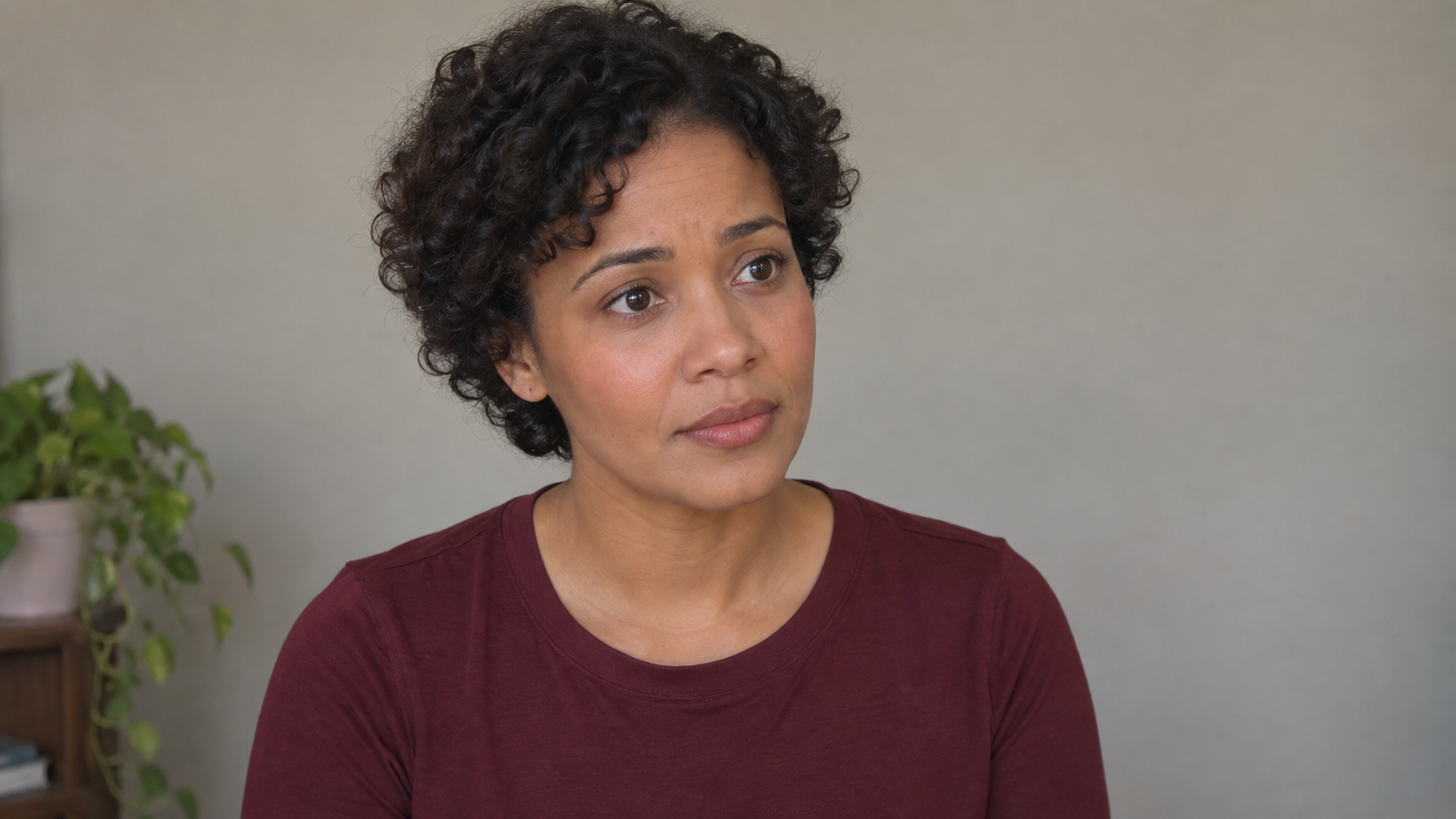
 ● REC 00:18
I was hoping you’d still be here.
MORGANI said I’d wait.
Set up the shot
Open Record self-tape from a scene. Use Check framing to see what the selfie camera will record, then return to your performance view.
- Choose portrait or landscape video independently of how you hold the phone.
- Use Camera, Script or Both while performing.
- Adjust the script text size when the script is visible.
- Your script and app controls stay out of the saved video.
Get ready, then play the scene
An AI-generated voice counts three, two, one, followed by a beep before the take begins. The countdown stays out of your saved recording. Action captures your microphone and the scene partner’s dialogue together.
- Free uses an installed Apple reader voice; Pro can use generated AI reader voices.
- Choose Loose, Forgiving, Balanced or Strict line matching just for self-tapes.
- Your self-tape strictness does not change your rehearsal setting.
Optional skin smoothing
Add a little skin smoothing if you want it, or leave it off. The effect is processed on your device and can be adjusted again when reviewing the take.
- The original take is retained for later edits.
- No paid image-generation request is needed for the smoothing effect.
Keep your takes with the scene
Open Saved takes to see recordings for that scene, with thumbnails and names that make them easier to find.
- Play a take back and rename it.
- Swipe left for Delete, or swipe fully to delete immediately.
- Deleting a saved take frees its slot in the Free allowance.
- Deleting in Action does not remove a copy already saved to Photos.
Finish and share
Trim the start and end, preview your selected clip and adjust the scene partner’s volume without changing your own voice. Save your changes, share the exported video or save it to Photos.
- Edits keep the original recording available.
- The exported video includes your performance and the reader’s dialogue.
- Camera and microphone access are needed to record; saving to Photos needs permission to add the video.
What Free and Pro include
Free includes one saved take per scene and up to three saved takes across a script. Pro includes unlimited saved takes, subject to device storage. Ultra includes everything in Pro.
- Free: installed Apple reader voices.
- Pro: generated AI reader voices or Apple voices.
- Unlimited takes remain subject to available device storage.
Record your next scene
Self-tape recording is available in Action 1.8. Pro includes unlimited self-tape takes, and Ultra includes everything in Pro. Compare the plans before choosing.
Download Action on the App Store