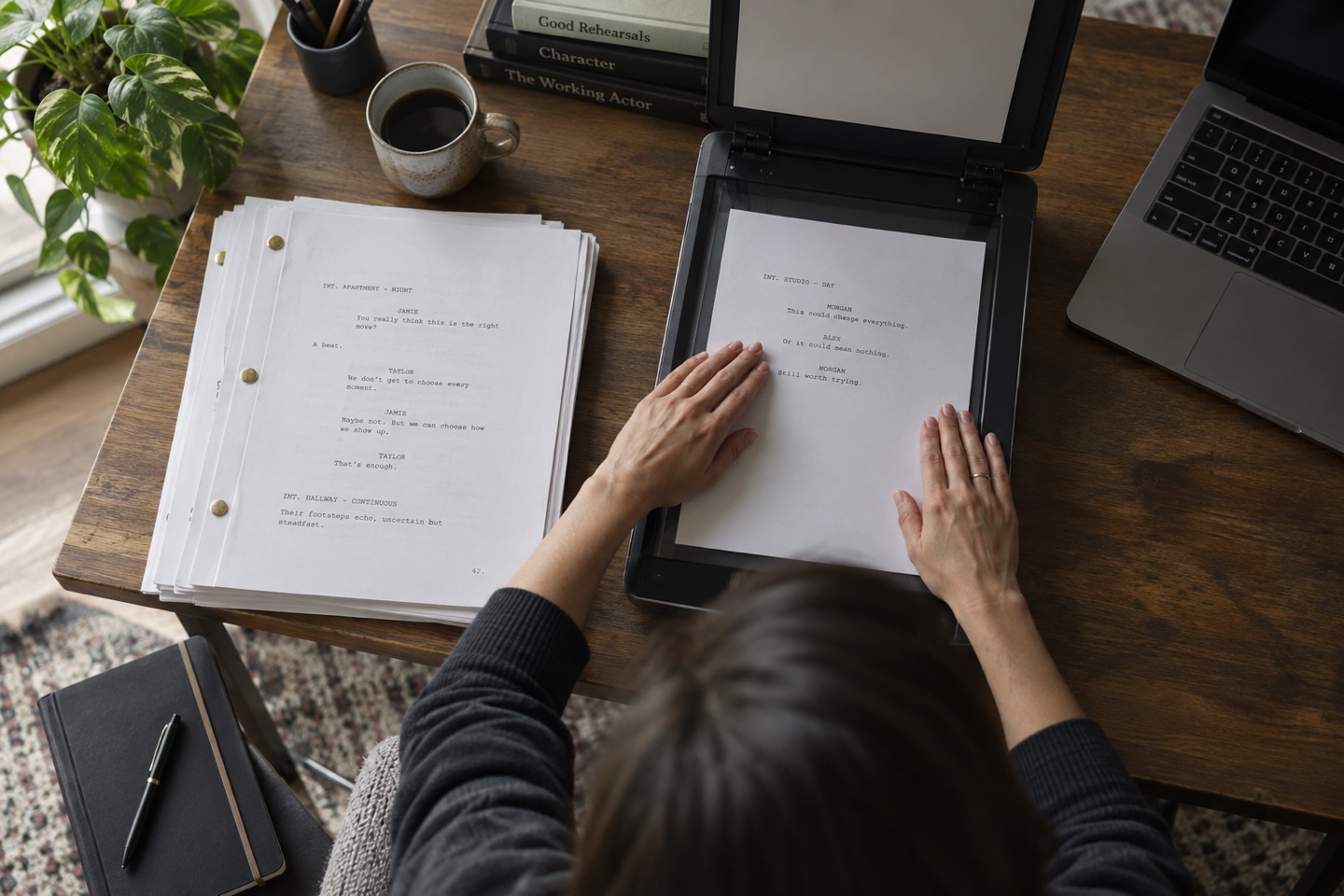
Check whether the PDF contains real text
Open the file and drag across a sentence. If you can copy the words into a plain text note, the PDF is probably searchable. If the whole page selects as one image, it is a scan.
A scan needs optical character recognition before text-based rehearsal tools can identify dialogue. Always compare OCR output with the page because names and punctuation are common error points.
Check the screenplay structure
Look at several scene headings, character cues and dialogue blocks. Standard formatting is easier to parse, while multi-column pages, handwritten revisions and unusual dual dialogue need more manual checking.
- Pages appear in the correct order.
- Scene headings begin consistently with INT., EXT. or another clear convention.
- Character names sit above their dialogue.
- Revisions and omitted pages are visible.
Respect the script's confidentiality
Use only material you are entitled to handle and follow any production instructions attached to it. Prefer tools that process the file on the device when you do not need a cloud service.
The free Action extractor processes the PDF in the browser. Action's app privacy information should still be reviewed before importing sensitive material into the app.
Run a one-scene proof before the full rehearsal
Check one early scene, one dialogue-heavy scene and one scene near the end. Confirm the roles, headings and line order against the PDF.
A five-minute proof catches most format problems before they spread into a complete rehearsal plan.
Try the workflow in Action!
Put another voice in the scene
Import a PDF, review the detected scenes and roles, then choose your character. Say your lines aloud while Action reads the other parts. Action is free to download. Eligible new subscribers can try Action Pro or Ultra free for three days. Apple shows the current offer before you subscribe.
Download Action on the App StoreApple shows the current trial offer and regional price before you subscribe.