An AI scene partner is a rehearsal tool that takes the characters you are not playing, reads their dialogue aloud and leaves you to perform your role. The best use is practical: more spoken runs, better cue familiarity and less dependence on another person’s availability.
What an AI scene partner does
A scene partner app converts a script into roles and spoken turns. Depending on the tool, it may offer different voices, wait for your line, follow a live transcript or give notes after a run. It should remove setup work, not tell you how the scene must be acted.
When it is most useful
- Last-minute audition sides: run fresh pages without arranging a call.
- Getting off-book: connect each cue to your response.
- Timing: hear the space around short exchanges and interruptions.
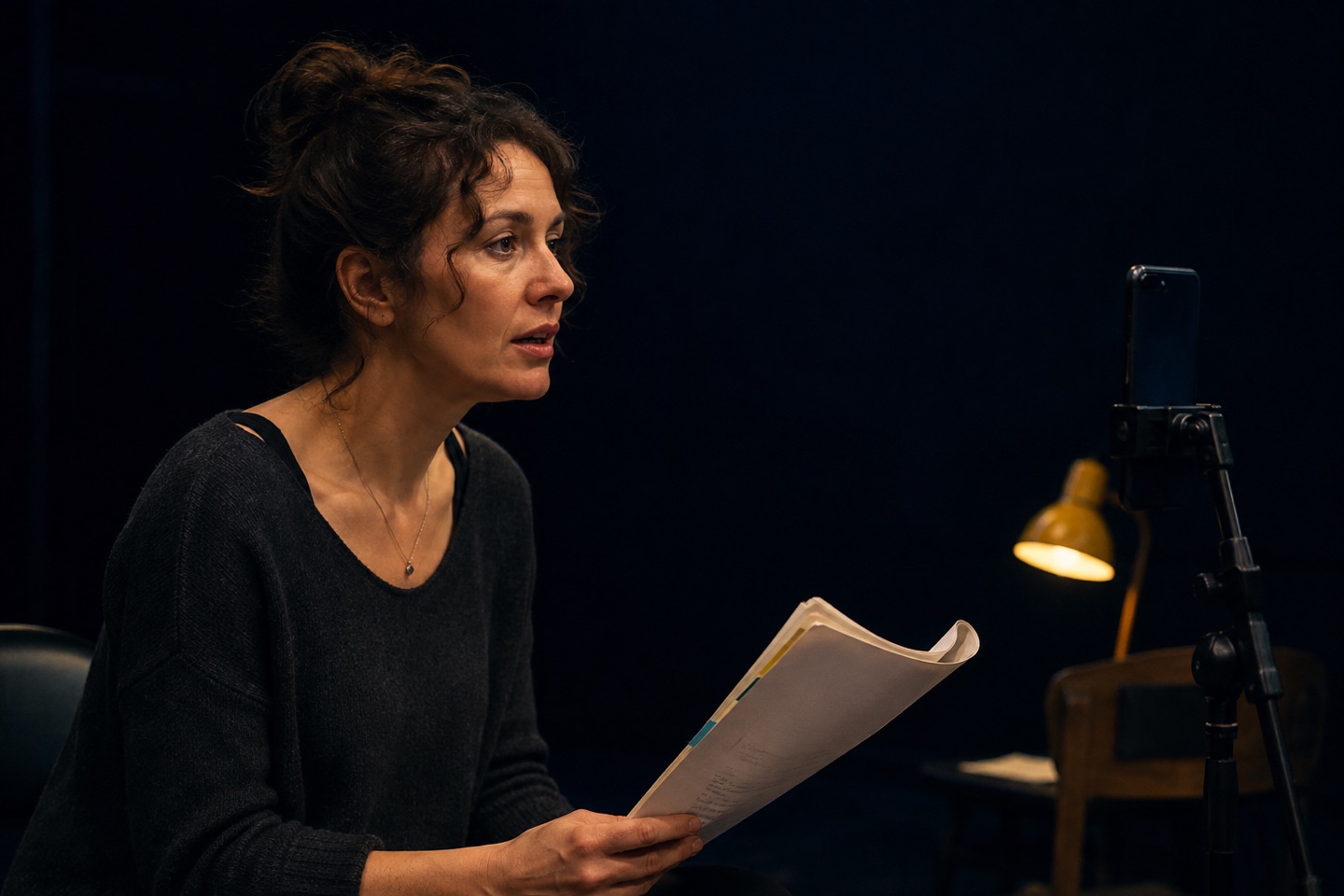
- Self-tape preparation: test framing, eyeline and volume before the recorded take.
- Maintenance: refresh a scene or monologue between rehearsals.
What to look for in an AI reader
Fast script setup
PDF import and automatic character detection matter when the audition clock is running. You should still be able to review the extracted text before rehearsal.
Distinct, natural voices
Separate voices make multi-character scenes easier to follow. Natural timing is more useful than theatrical overperformance because your own response remains the focus.
Room for your timing
A simple audio track forces your line into a preset gap. A listening or cue-aware rehearsal mode leaves more space for breath, thought and action.
Transparent access
Check what is free, what requires a trial or subscription, and whether the app works on the device you plan to use beside the camera.
How to keep the work natural
- Listen until the other line finishes instead of waiting for your trigger word.
- Choose an objective for the run, not an emotion to demonstrate.
- Repeat with a different tactic or pace.
- Occasionally start in the middle so the scene is not one memorised chain.
- Use a human partner or coach when the work needs surprise, adjustment and relationship.
Check the reader before a full run
Start with a short exchange. Check that the imported dialogue belongs to the right characters, that the reader gives you enough time to finish and that you can hear every cue at a comfortable volume. Fix a missed turn or a wrongly assigned line before repeating the whole scene. Otherwise, you risk practising around a setup mistake.
If you keep losing the same response, take that pair out of the scene for a moment. Paste the cue and your line into the free cue line trainer, hide your response and test it aloud. Then return to the scene and listen to the whole cue again.
Action! as your scene partner
Upload. Cast. Speak.
On iPhone or iPad, import a PDF into Action!, choose your role and let the app read the other characters. Its responsive scene partner follows your spoken lines, while transcript tools and restart controls help you check the text and repeat a passage.
- Import the sides or script from Files.
- Review the scenes and character list.
- Select your role and generate the rehearsal.
- Place the device where you can hear it without pulling focus.
- Run the scene, then repeat with one new acting choice.
Can AI replace a real scene partner?
No tool reproduces the full unpredictability, physical presence and mutual adjustment of another actor. That is not the point. An AI reader makes useful rehearsal available between human sessions, so the time you do have with a castmate, coach or reader can start from a stronger place.