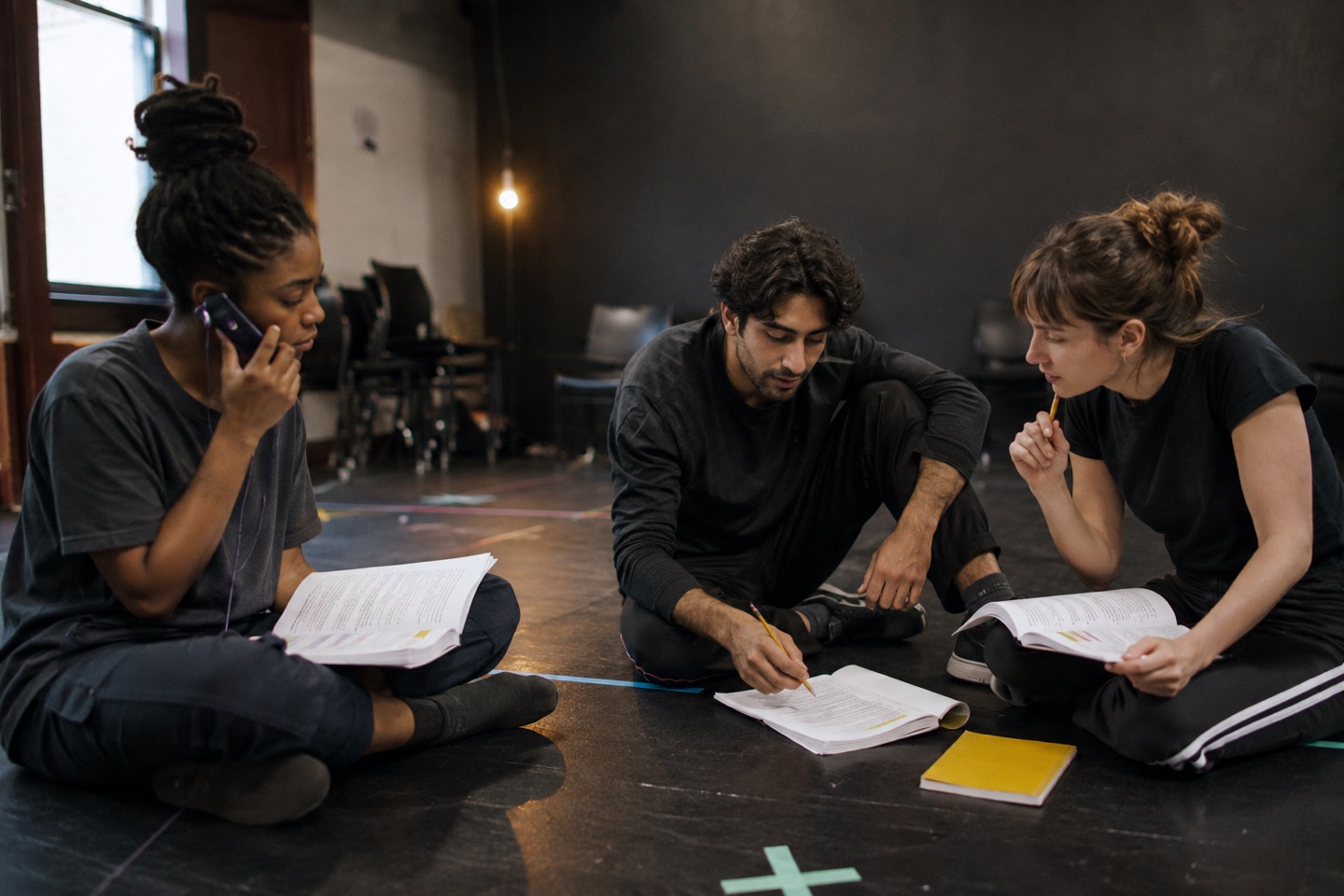
What a first listen reveals
A spoken pass exposes information that is easy to miss on the page: repeated exposition, a transition that lands too quickly, similar character rhythms and the real duration of a scene.
Listen once without stopping. Notes taken every few seconds can recreate the fragmentation you are trying to escape.
Review the playback in five passes
You do not need to replay the entire script for every question. Return to the relevant scene or transition.
- Shape: where does the scene begin, turn and finish?
- Pace: which exchange drags or loses necessary breathing room?
- Voices: can you follow each role without looking at the page?
- Information: where does the listener receive too much at once?
- Action: which scene should move next into active rehearsal?
Example: a ten-page short-film script
Import the PDF and review the detected scenes and character list before generating playback. Listen once from start to finish. On the second pass, stop only at scene changes and write a one-sentence account of what changed.
Then choose your role and convert the most important dialogue scene into responsive rehearsal so you move from listening to acting.
Know what kind of table read this is
Action provides table-read-style playback through generated character voices. It does not place a cast in one live remote session. Use it for private preparation, pace and flow, then use people when the job is collaborative discovery.
Try the workflow in Action!
Put another voice in the scene
Import a PDF, review the detected scenes and roles, choose your character and rehearse the opposite lines out loud. Action is free to download, with a seven-day Action Pro trial shown in the current UK App Store listing.
Download Action on the App StoreProduct capabilities checked against the live UK App Store listing and current app source on 3 September 2026. Regional pricing is shown by Apple.