How the rehearsal moves
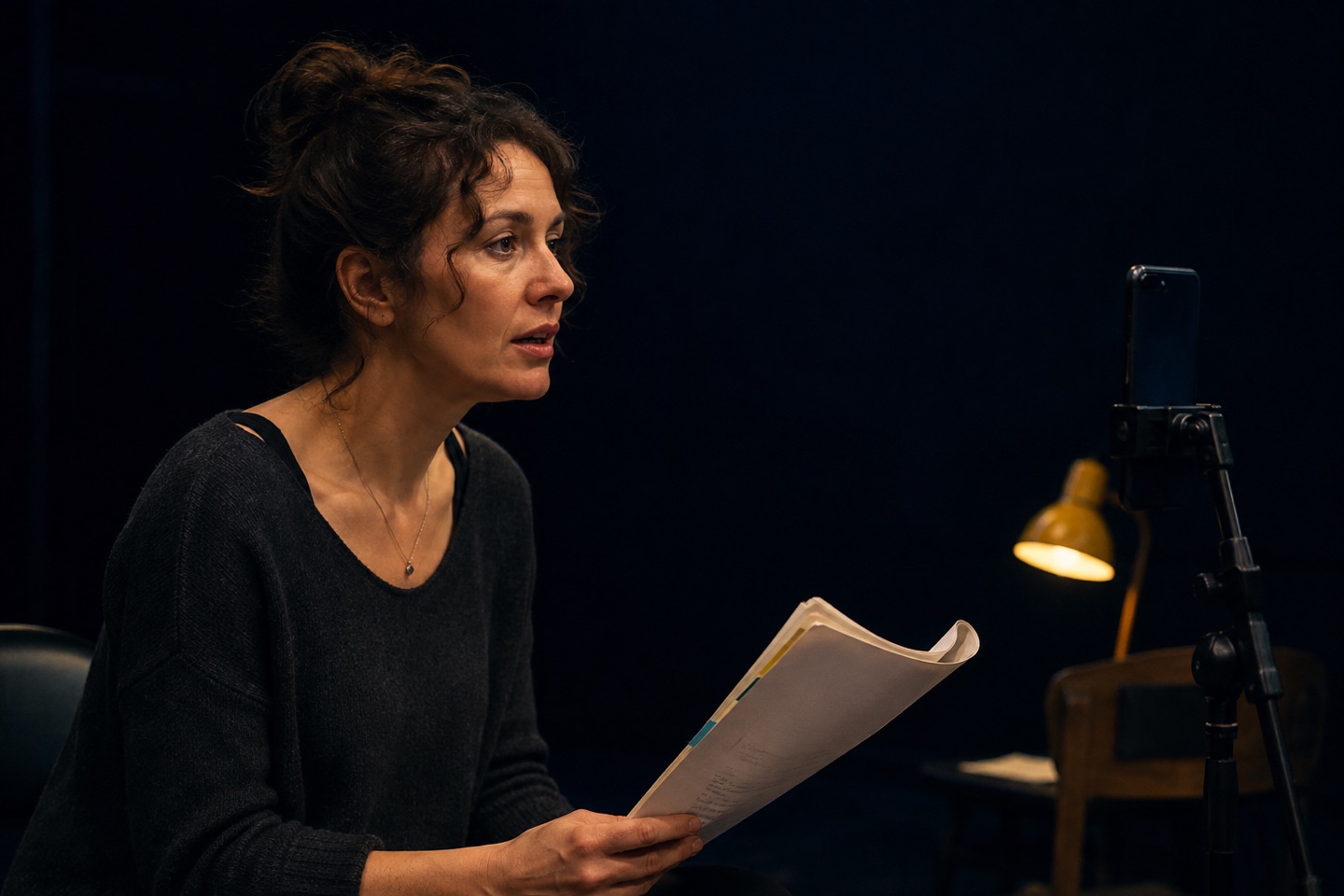
After you select your character, Action prepares the remaining roles and narrator as spoken parts. During live rehearsal, it tracks the scene, plays the other lines and listens for your dialogue before continuing.
That makes the timing responsive to the actor rather than a fixed gap measured in seconds.
What stays under your control
A useful scene partner must also be easy to recover when a rehearsal stops or a line is missed.
- Choose the role you are playing and review the character casting.
- Follow the live transcript while you learn the flow.
- Use supported voice commands such as play, pause and restart.
- Restart the scene or section when you want a different choice.
- Use generated feedback or acting notes as ideas to test where available.
Example: a fast overlapping exchange
Import the scene, choose your role and run it once at a neutral pace. If the exchange feels rushed, make the ends of your lines clear rather than adding an artificial pause before every cue.
On the next run, vary the action without changing the words. The other roles stay structurally consistent while your own delivery remains open.
Live systems have real limits
Speech recognition can be affected by noise, microphone access, accents, paraphrasing and network quality. Generated voices are rehearsal voices, not the actual performance of your future partner. Keep the transcript available, use restart when needed and return to human scene work whenever it is available.
Try the workflow in Action!
Put another voice in the scene
Import a PDF, review the detected scenes and roles, choose your character and rehearse the opposite lines out loud. Action is free to download, with a seven-day Action Pro trial shown in the current UK App Store listing.
Download Action on the App StoreProduct capabilities checked against the live UK App Store listing and current app source on 3 September 2026. Regional pricing is shown by Apple.